The Problem
After visiting KAFE-LIYA's coffee shop in Ibaan, Batangas, I noticed a few pain points in their operations.
There was no online ordering — every order was taken at the counter. Once confirmed, staff would log orders on a tablet, but there was no ticket system or order number shown to customers, so people had no reference to track their order. The entire process was manual, linear, and limited to whoever was physically in the shop.
One scenario stuck with me: a customer on the go who wants coffee before a commitment. They need to order quickly, skip the wait, and just pick it up. That workflow simply didn't exist, so I built it.
What I Built
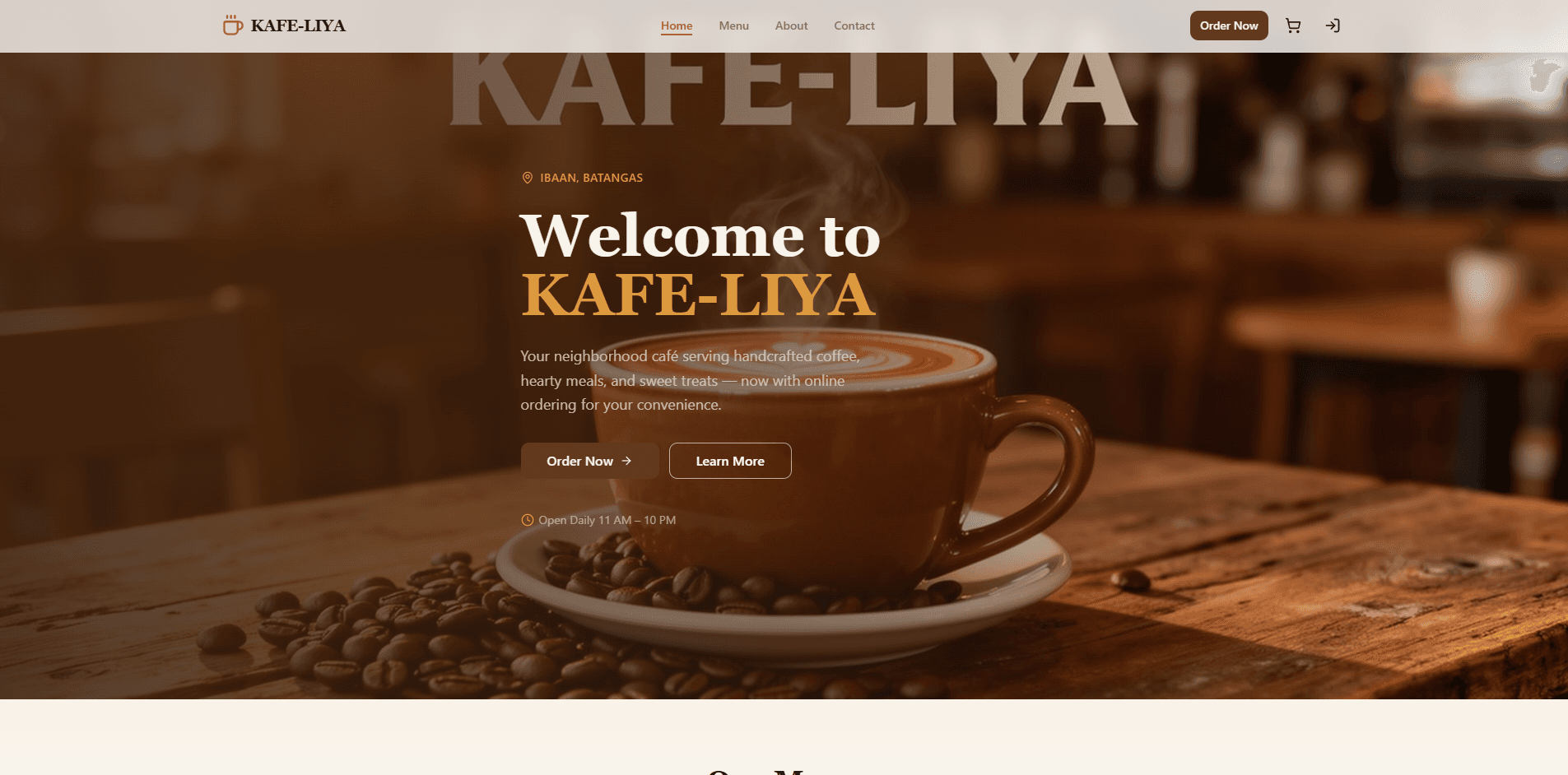
KAFE-LIYA Connect is a full-stack ordering and operations platform with three distinct roles — customer, staff, and admin — each with their own dashboard and permissions.
Customer Experience
- Browse the menu and place orders online
- Choose to pay online or pay at the counter upon pickup
- Receive an order number after checkout to track their order status
- Walk in, show the order number to staff, and pick up when ready
Staff Dashboard
- View all active orders in one place — both in-store and online orders
- Orders are clearly labeled so staff can differentiate the source
- Change the progress of each order through three stages: Pending → Preparing → Ready
- When an online customer chooses to pay at the counter, the customer presents their order number and the staff can click Mark as Paid once payment is received
Admin Dashboard
Admins have full access to the staff dashboard plus additional controls:
- Menu management — Add, edit, or remove products that appear on the customer-facing storefront
- Disable ordering — Toggle to shut off customer ordering when the shop can't operate (power interruptions are common in Ibaan, Batangas, so this was a deliberate design decision)
- Audit logs — Full history of changes and actions taken within the system
- Analytics — Daily revenue charts with filters for month and year, showing:
- Total Revenue
- Total Orders
- Average Order Value
- Online vs. In-Store order split (e.g., 20 online / 10 in-store)
- Top-selling items
- Payment method breakdown — percentage and exact counts
Architecture
The frontend is React + TypeScript with shadcn/ui components and TanStack React Query for server state. Supabase handles the entire backend: PostgreSQL for data storage, Auth for session management, Row-Level Security for data isolation, and Realtime channels for live order updates across staff devices.
// Real-time order subscription — all connected staff see updates instantly
const channel = supabase
  .channel('orders')
  .on(
    'postgres_changes',
    { event: '*', schema: 'public', table: 'orders' },
    () => {
      queryClient.invalidateQueries({ queryKey: ['orders'] });
    }
  )
  .subscribe();
Playwright covers end-to-end testing across all three authentication roles, validating the full order lifecycle from placement through payment.
Technical Challenges
1. Real-time order visibility across all staff devices without polling
Multiple staff members could be viewing or updating orders simultaneously. Polling would produce stale reads and potential conflicts. Supabase Realtime channels solve this: every mutation invalidates the shared React Query cache, so all connected clients immediately reflect the latest state. Optimistic UI updates keep the interface responsive while the network round-trip completes.
2. Row-level security so customers only see their own orders
Without proper data isolation, a customer could potentially query all orders in the database. Supabase RLS policies enforce ownership at the Postgres level — the policy auth.uid() = user_id on the orders table means unauthorized reads are rejected before they reach the application layer, not just blocked by a UI guard.
3. Graceful degradation for the disable-ordering feature
The shop is in a town prone to power interruptions. When ordering is disabled by an admin, the customer storefront needs to clearly communicate unavailability rather than silently failing. A global flag in the database controls this state, and the customer UI reads it on load — no stale caching that might show the menu as open when the shop can't fulfill orders.
What I Learned
This project reinforced that the best products come from observing real friction. I didn't start with a tech stack — I started with a customer standing at a counter with no order number and nowhere to go while waiting.
On the technical side, working with Supabase RLS shifted how I think about security. Business rules encoded directly in database policies are far harder to accidentally remove than application-level guards. I also developed a Playwright testing pattern for multi-role apps: separate browser contexts per role, shared fixtures for common flows, and assertions that verify data isolation between roles.